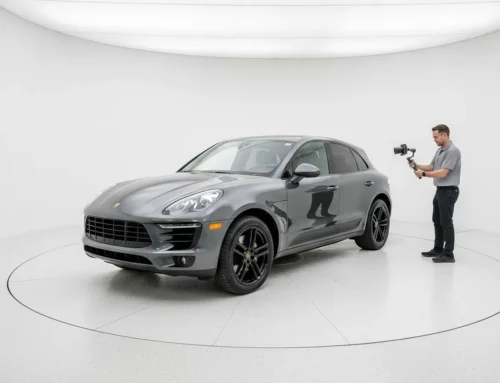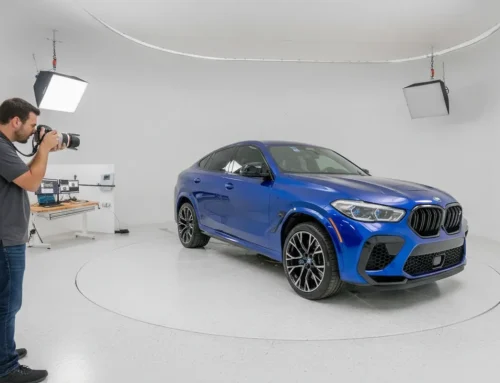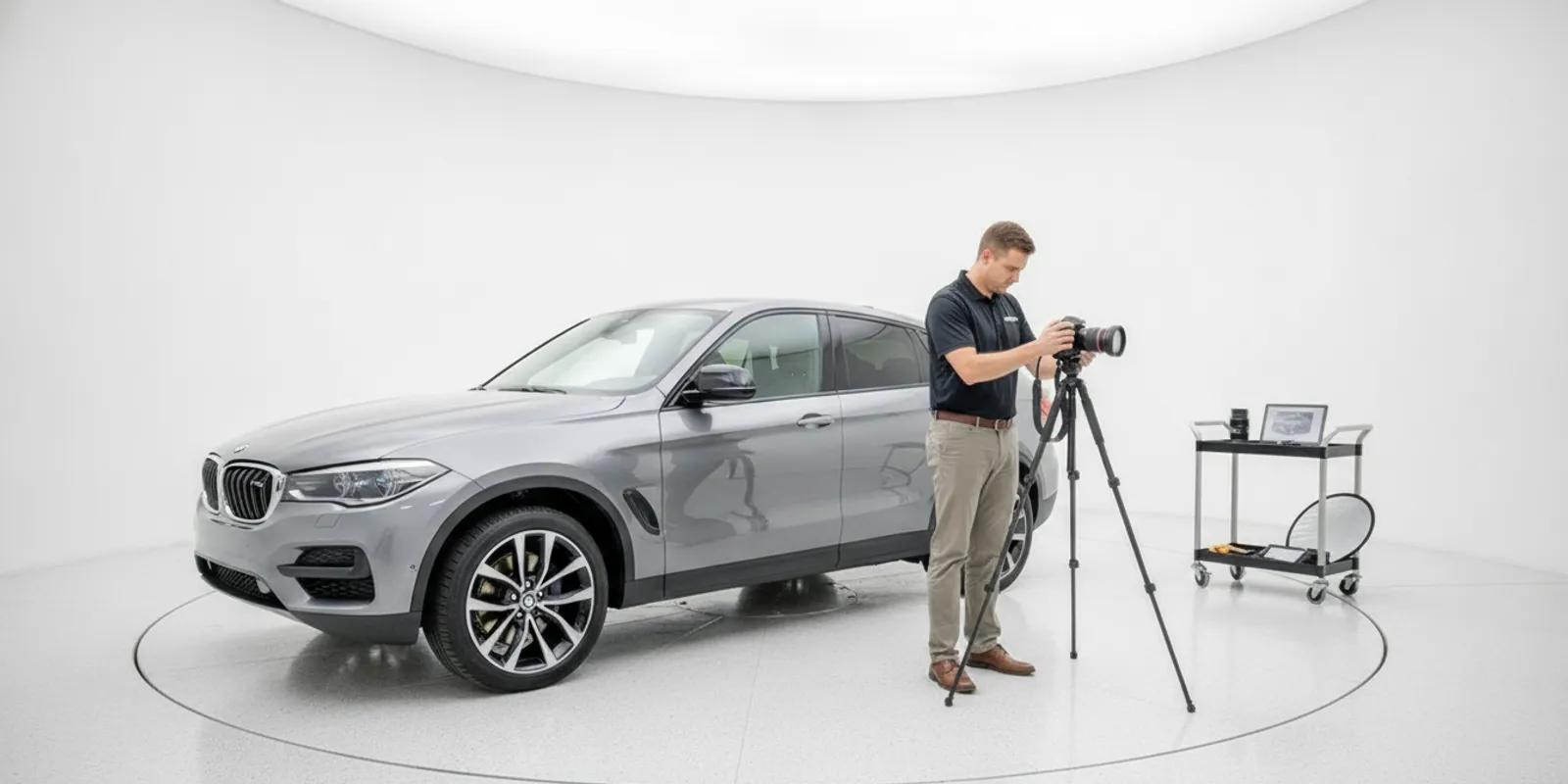
Auto dealership photography is an operating decision as much as a camera decision. Dealer owners, general managers, and group operators need a reliable way to show inventory clearly, keep image sets consistent, and publish media without creating a bottleneck for staff. The right approach depends on vehicle volume, people, space, media needs, and how files reach each listing.
Book a call to discuss your workflow
What should a dealership photography workflow do?
Start by defining the finished listing, not by shopping for a camera or software. Decide which images each vehicle needs, who prepares and captures it, how the work is checked, and who moves the approved media into the inventory or website system. A repeatable process should make those responsibilities clear even when the usual operator is absent or the lot is busy.
Write down the basic image set. It might include a consistent series of exterior angles, an interior view, and selected details. If your standard includes a 360 spin, specify how it is captured, reviewed, and shown. Also define the file naming or vehicle-matching rule, where files are stored, and what happens when an upload fails. A checklist prevents a polished capture from getting lost between the photo area and the live listing.
Be specific about exceptions. Can staff capture a vehicle that cannot be moved to the normal area? Who flags a listing when the vehicle is not ready, a required angle is missing, or a mark needs to be shown clearly? Decide whether the vehicle waits, gets a partial set, or follows an alternate process. These small decisions determine whether a workflow works on ordinary days as well as ideal ones.
Which capture approach fits your dealership?
Dealers commonly compare internal staff, outside photographers, an automated photo studio, and walkaround-based imaging software. They are different operating models. Some dealers combine them, for example having staff prepare vehicles and capture interior details while using a standardized process for exterior views. Compare the entire path from ready vehicle to published listing, not one attractive sample image.
| Approach | What your team still manages | Questions to resolve |
|---|---|---|
| In-house staff | Training, scheduling, equipment, image checks, and backup coverage | Can the standard hold during peak volume, staff changes, and competing tasks? |
| Outside photographer | Scheduling, vehicle staging, vendor coordination, and review of delivered files | How are turnaround, volume changes, reshoots, and handoff handled? |
| Automated photo studio | Facility readiness, vehicle flow, operator tasks, and maintenance planning | What is automated, what still needs an operator, and what does installation require? |
| Walkaround imaging software | Consistent video capture, review, and confirmation of processing and publishing | What capture conditions and staff steps are needed, and how are results checked? |
Each option has work around the capture itself. Internal staff need time and a documented standard. A vendor may reduce the need to schedule an employee photographer, but the dealership still has to coordinate vehicle readiness and delivery. A studio can provide a controlled capture environment, but it does not mean every task is unattended: an operator still handles interior panoramas and detail photos. Walkaround software may avoid a dedicated indoor studio, but staff must capture a usable walkaround and confirm what the system produces.
For a broader look at dealer photography roles and workflows, see our dealer photography solutions. Use it alongside your own process map rather than assuming a general description will fit every rooftop.
How can you define a consistent image standard?
Make the standard easy to follow without relying on personal taste. Describe the required views, vehicle position, framing, background expectations, and checks for reflections, obstructions, or clutter. Include a simple method for noting exceptions, such as a vehicle that cannot be moved or a feature that needs a closer image. A one-page visual reference can show the desired angles and a few examples of images that need to be retaken.
Test the standard against different vehicle shapes and colors, not just one sedan under perfect conditions. A tall truck, dark vehicle, convertible, or vehicle with an unusual feature may reveal that the camera position or framing instructions need adjustment. Ask a second operator to use the checklist without coaching. If they interpret it differently, revise the instructions before rolling them out to more staff or rooftops.
Consistency must not come at the expense of accuracy. Decide how image processing may affect the background or appearance, who checks that the vehicle is represented faithfully, and how original files are retained. Confirm that visible condition, accessories, and details are not hidden or changed in a way that could mislead. Assign a reviewer and a clear correction route so that staff know whether to reshoot, edit, or escalate a questionable image.
What changes across multiple rooftops?
A process that works at one store may not transfer unchanged to another. Locations can differ in available room, lighting, staffing, vehicle movement, and inventory or website systems. Build a shared baseline for required media and review, then note the local details that can vary. Avoid a group standard that quietly assumes every location has the same facility or equipment.
Before making a group decision, create a brief profile for each rooftop. Record monthly vehicle flow, the current capture method, who performs each step, the space available, media requirements, and the publishing route. Note the busy periods and any constraints on moving vehicles. Name one local owner of day-to-day execution and one group-level reviewer who can compare sample listings across locations.
When equipment is under consideration, verify the footprint and site requirements for each proposed location. A room dimension shown as an example is not automatically a universal minimum, and a site that fits physically may still need changes to vehicle flow or operating procedures. For software or vendor services, ask whether the workflow and media handoff can be tested against the systems each rooftop actually uses. Do not assume a connection is available without confirmation.
How do you compare the real operating effort?
Map the work in order: vehicle ready, vehicle moved, exterior captured, interior and detail images captured, files checked, corrections made, media matched to inventory, and listing published. For every step, name the person or system responsible and estimate the staff time using your own observations. Include the time spent waiting for a space, resolving a mismatch, or repeating a capture. Those are often the steps that a headline description leaves out.
- People: Who captures, reviews, corrects, and publishes? What is the backup plan for absence or peak volume?
- Space and equipment: What has to be available on site? Are there limits on vehicle movement, weather exposure, or room use?
- Media: Which still images, interior views, details, and 360 experiences are in the required set?
- Handoff: How are files matched to inventory, where do they go, and how will staff detect a failed upload?
- Cost: Separate labor, equipment, setup, software, maintenance, vendor work, and recurring charges.
Use the same assumptions for each option. For a practical example, imagine a store where the vehicle is ready but the capture employee is also responsible for other lot tasks. An in-house workflow may appear inexpensive if only camera expense is counted, but the comparison changes when preparation, waiting, review, and coverage during busy hours are included. An outside service may shift capture work but still require staging and review. A studio or software workflow may reduce certain steps while leaving other operator tasks in place. Record the actual responsibilities rather than labeling any option simply “automatic.”
Ask for a written breakdown of one-time and recurring charges, what is included, and what remains the dealership’s responsibility. Treat advertised starting prices as starting points rather than installed, site-specific quotes. A modeled per-vehicle cost or savings figure is an assumption to test against your own volume, labor, and media standard, not a guaranteed result. Similarly, do not infer a sales lift or payback from a workflow estimate.
What should a useful pilot measure?
Choose one location or a manageable group of vehicles and run the proposed process through normal work, including a few exceptions. Keep a simple log with the vehicle identifier, capture date, people involved, elapsed time from ready vehicle to usable media, staff minutes, correction count, and time of successful publication. Note vehicle type and any unusual conditions so that one difficult case does not obscure the rest of the sample.
Review the final listings with the people responsible for merchandising standards. Check whether the required angles are present, whether details are clear, whether the vehicle is represented accurately, and whether the media appears where expected. Ask staff which steps were confusing or repetitive. A pilot should surface process gaps as well as test a product or service. If media is created quickly but sits unassigned in a folder, the capture portion may be working while the overall workflow is not.
Use a before-and-after comparison carefully. Keep the measures and vehicle mix visible, and do not treat a small trial as proof of universal performance. If the pilot shows an improvement, determine which change caused it: a clearer checklist, different staffing, reduced movement, new equipment, or a faster publishing handoff. That detail helps leaders decide whether the process can be repeated at another rooftop.
What should you ask before choosing a solution?
- Can you walk us through a typical vehicle from readiness to a live listing, including the staff actions before and after capture?
- What facility, lighting, internet, and vehicle-flow conditions are needed?
- Which image types and spins are included, and which require separate products or configurations?
- How are files reviewed, corrected, retained, matched to inventory, and published?
- What training, setup, maintenance, and support are part of the written proposal?
- Can we test representative vehicles and review the output before making a broader change?
- How are exceptions, reshoots, and system interruptions handled, and who at our dealership owns each one?
For context on how photo work fits within dealership operations, the academic project Behind the Scenes of a Car Dealership discusses preparation, inspection, detailing, and photography before a vehicle reaches shoppers. It is a useful reminder to account for imaging as one part of the wider vehicle-preparation process.
What should dealership leaders take away?
Choose a workflow your team can repeat, measure, and maintain across the inventory and locations you operate. First define the image standard. Then account for each staff, facility, review, and publishing step. Compare alternatives using the same assumptions and validate the important unknowns with a pilot. For more planning context, review our dealer photography solutions as you frame questions about staffing, workflow, and media handoff.
Book a call to plan your dealership workflow
A clear capture standard and an honest view of the work involved make it easier to select an approach that fits your dealership.